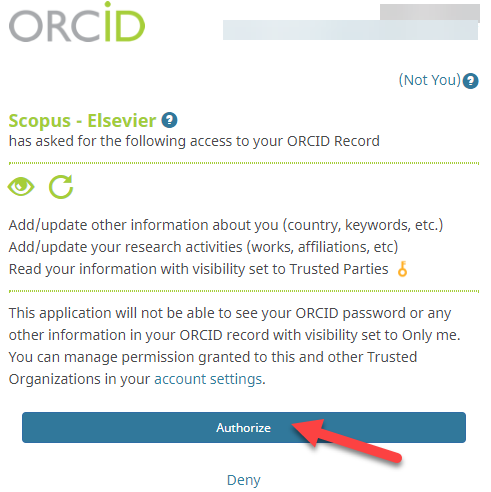
When you connect your ORCID iD to another organization's system, you will be asked to grant permission to that organization to interact with your ORCID account. After you have granted permission, that organization becomes a Trusted Organization or Service and is listed in the Trusted Organizations section of your ORCID account.

Below is an example using Web of Science. 

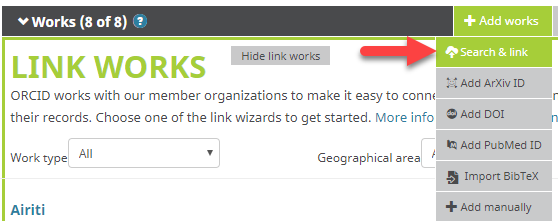
Go to Works > Add > Import works from other services > Import your works

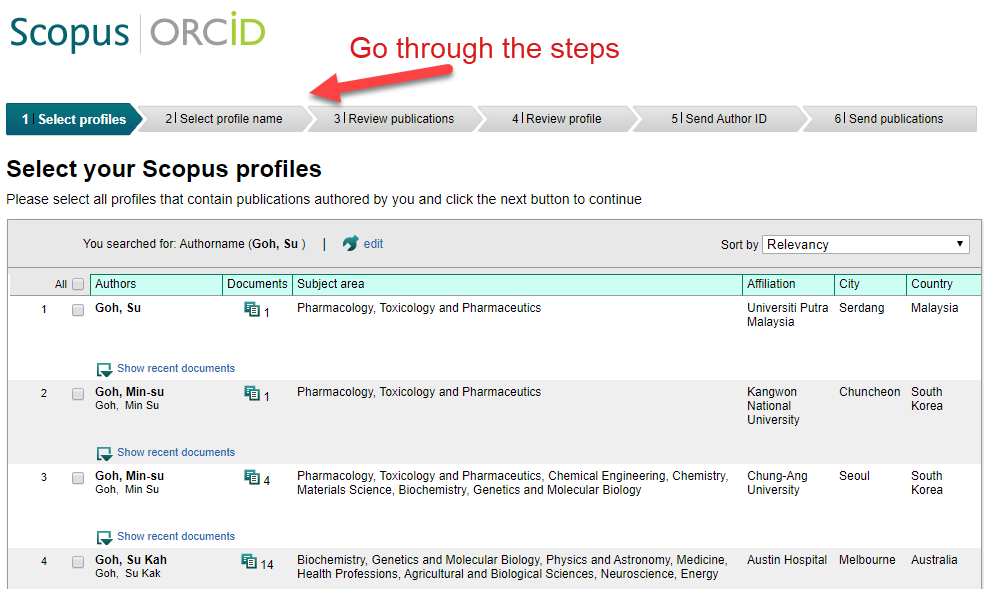
Next, click "Connect Now" next to Web of Science.  Follow the steps to authorize access.

Next, go back to the ORCID window and refresh the page. You will see that the "connect" button has now change to "connected".

After you have granted the permission, Web of Science become a trusted organization and will appear in the Trusted parties section of your account settings.


Views: FAQ Views: 356

Related FAQs

    Topics

    Ask Us

    NTU Ask A Librarian

    Not sure where to begin? Fill in the form below to ask us.

    Please attach any screenshots or any other files that will help us answer your enquiry.

    Fields marked with * are required.
    By submitting this form, I hereby acknowledge that I have read and understood the NTU Privacy Statement (“Statement”), and consent that Nanyang Technological University can collect, use and disclose all the personal data provided by me in accordance with the Statement and/or Personal Data Protection Act